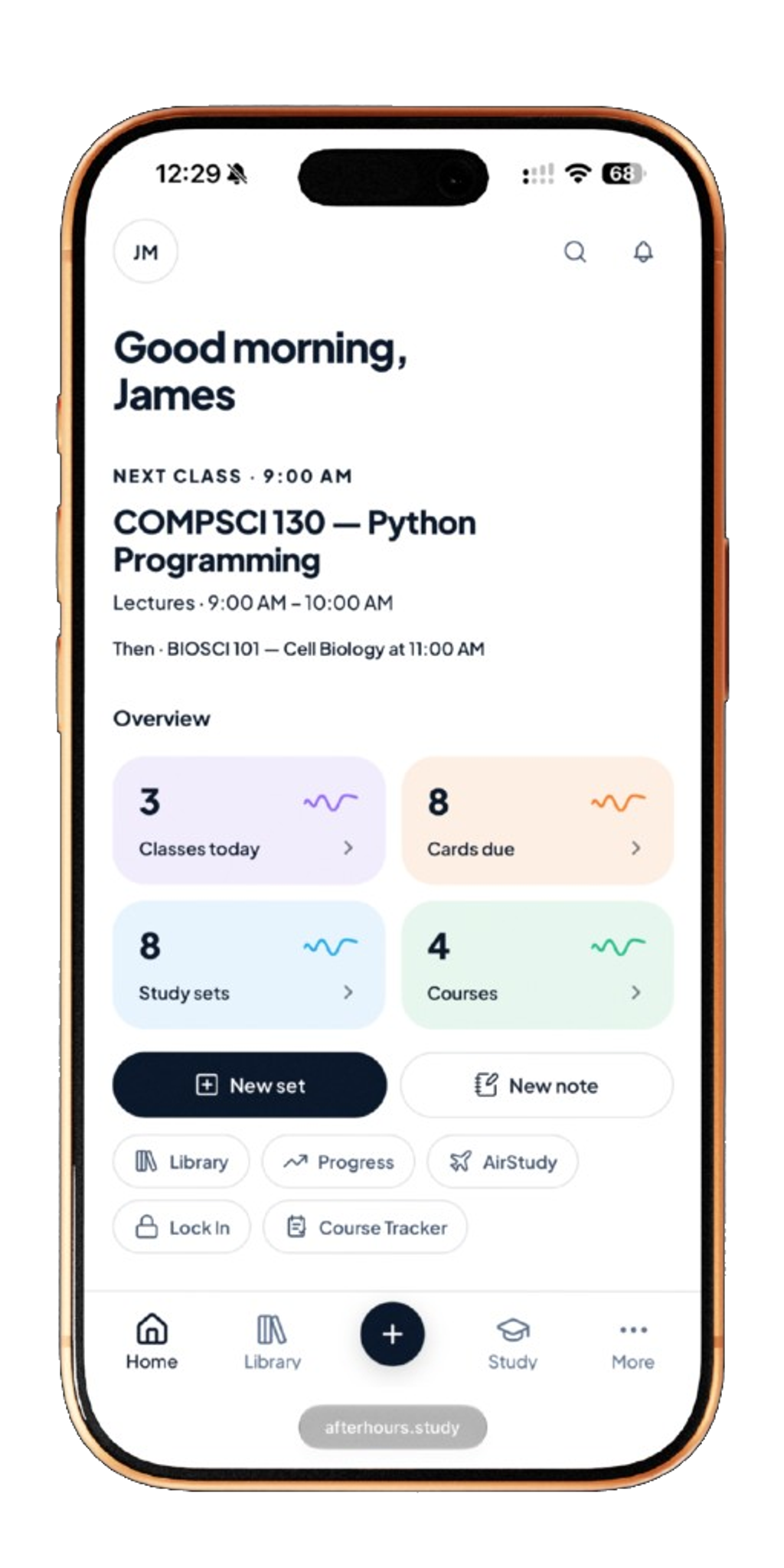
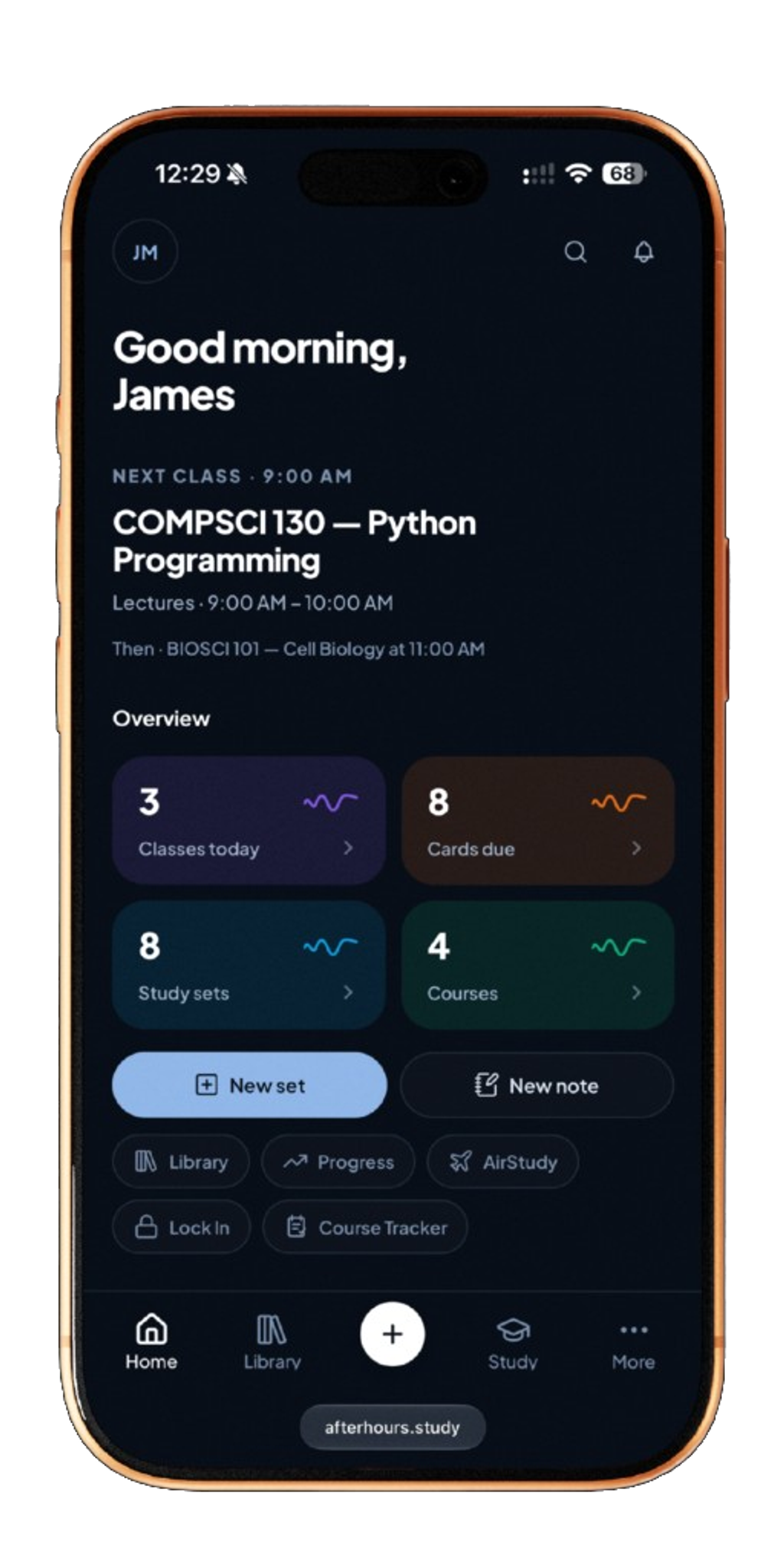
Notes, your timetable, revision sets and specialist tools — one workspace, tied to the same courses and deadlines.
Notes workspace
Lecture notes that still make sense at exam time.
Write in an editor linked to the lecture, lab or tutorial — not a folder you abandon after week two. Slides, recordings and sources stay on the page.
Linked to lectures, labs and courses
Word and PDF import
AI tidy-up that keeps your wording
Shared pages with live editing
Course management
See what's due before the week gets away.
Import your Canvas timetable, then track quizzes, pre-readings, assignments and exams in one calendar. Open the note for any class from the same view.
Canvas timetable import
Weekly quizzes and pre-readings
Assignment and exam deadlines
Teaching-week progress at a glance
Revision sets
Revision that comes from what you actually wrote.
Build sets from lecture notes or let AI draft a first pass. Four quiz modes, a daily recall queue, and spaced repetition for the cards you keep missing.
Cards from your own lecture material
Multi-choice, typed, fill-in and classic modes
Daily recall queue
Slideshow and quiz modes
Specialist tools
When the semester needs more than the basics.
Health Science and Bio Med First Year get UCAT and MMI prep on the same plan as the workspace. AirStudy and LockIn for longer, phone-free study blocks.
UCAT timed papers, mocks and drills
MMI stations with coaching after each attempt
AirStudy scenic focus flights
LockIn timer and distraction-free mode
From students
Built for how students actually study.
“
I had Notion, Anki, a calendar and ChatGPT in four tabs. afterhours replaced the lot — and my notes actually stay with the lecture.
“
Week-three notes used to vanish in a folder mess. Now I open the lecture and the page is right there.
“
LockIn during exam week keeps me off my phone. UCAT mocks in the same app still feels unreal.